

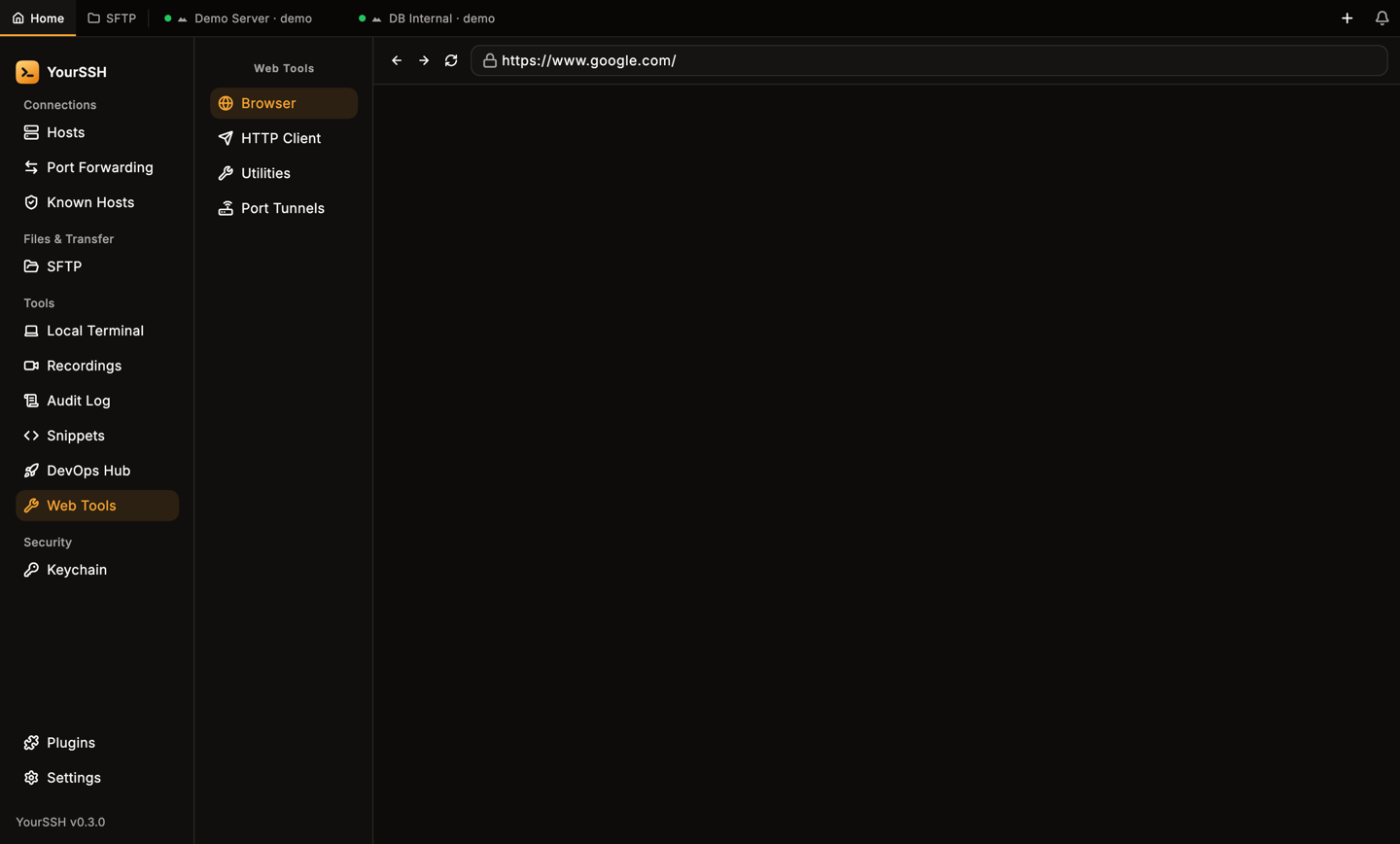
Web Tools with its four tools in the list on the left.
HTTP Client
HTTP Client is a small request builder, similar to Postman or Insomnia. The request runs from your computer.1
Choose a method and URL
Pick the method from the list at the left of the URL bar:
GET, POST, PUT, PATCH, DELETE, HEAD or OPTIONS. Enter the URL.2
Fill in the request
Use the tabs under the URL bar: Params, Auth, Headers and Body. A tab shows a count or dot when it has content.
3
Send
Click Send.
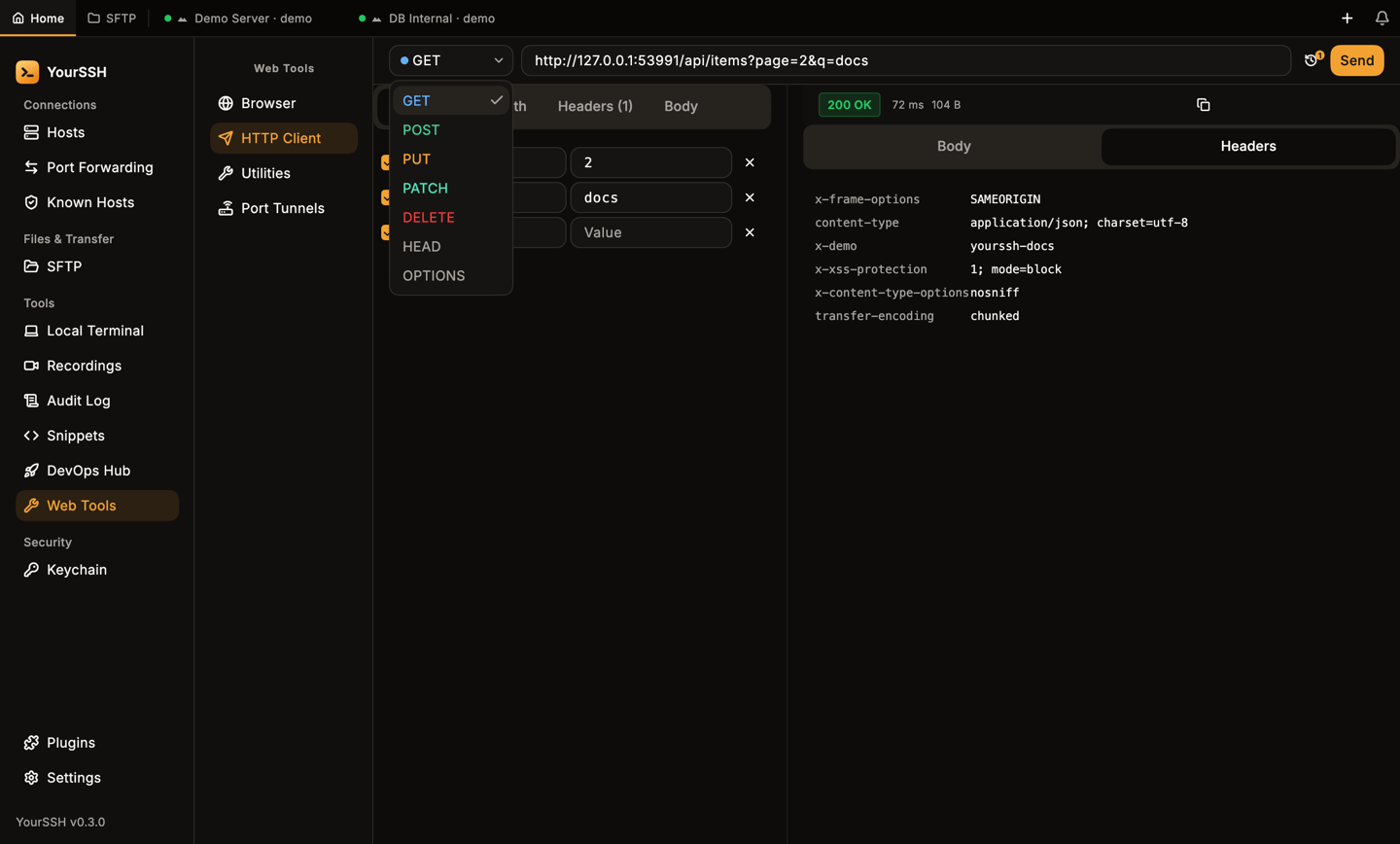
The method list in the URL bar.
Request tabs
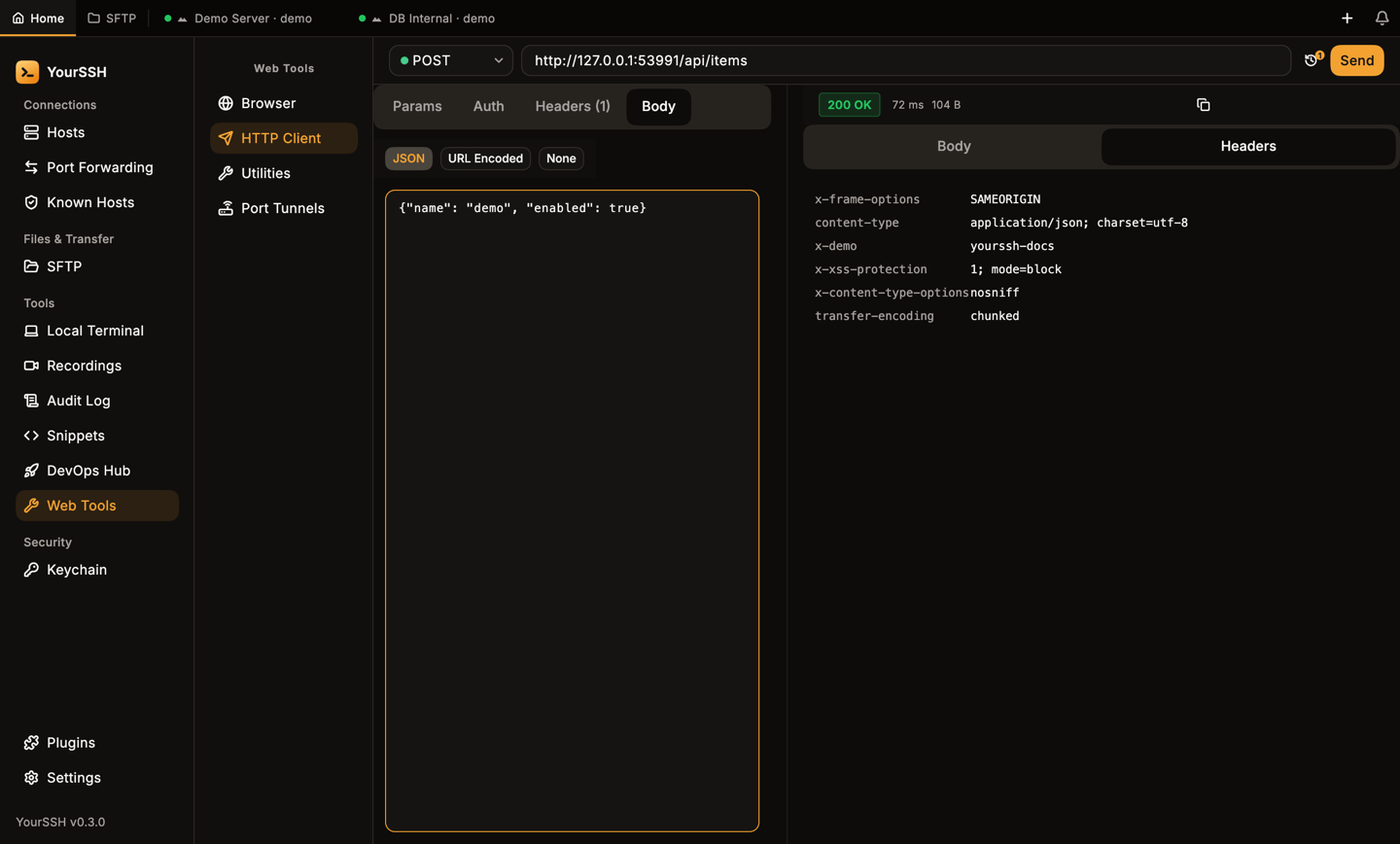
A POST request with a JSON body. The response status, time and size show above the response.
Response
The right side shows the status code, time and size. Switch between Body and Headers. JSON bodies are pretty-printed. Use the copy button to copy the body.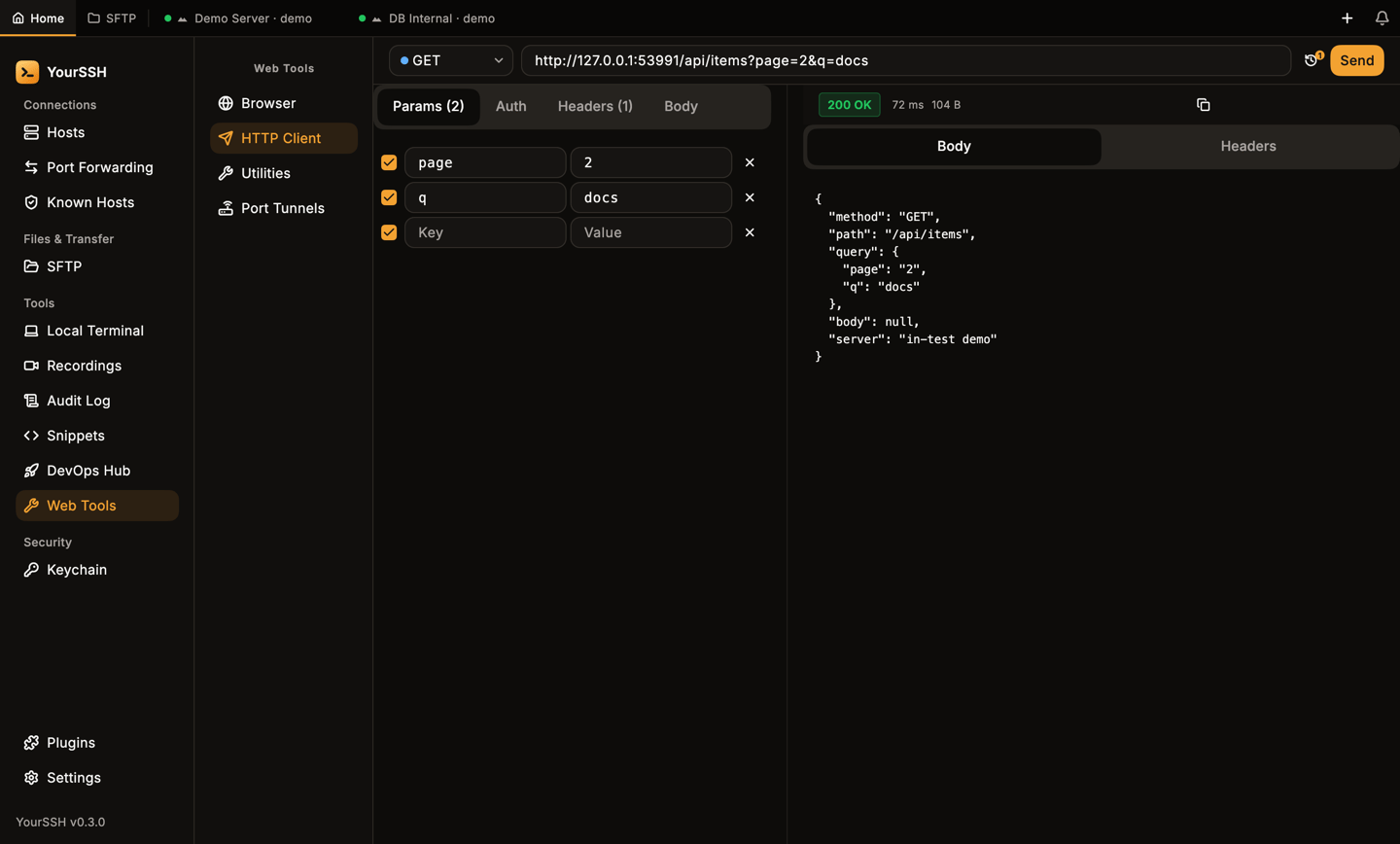
A GET response with the pretty-printed JSON body.
History
Click the history button in the URL bar to open History. It lists earlier requests with method, URL and status (ERR when the request failed). Click one to load it again. Use the close button to hide the panel.
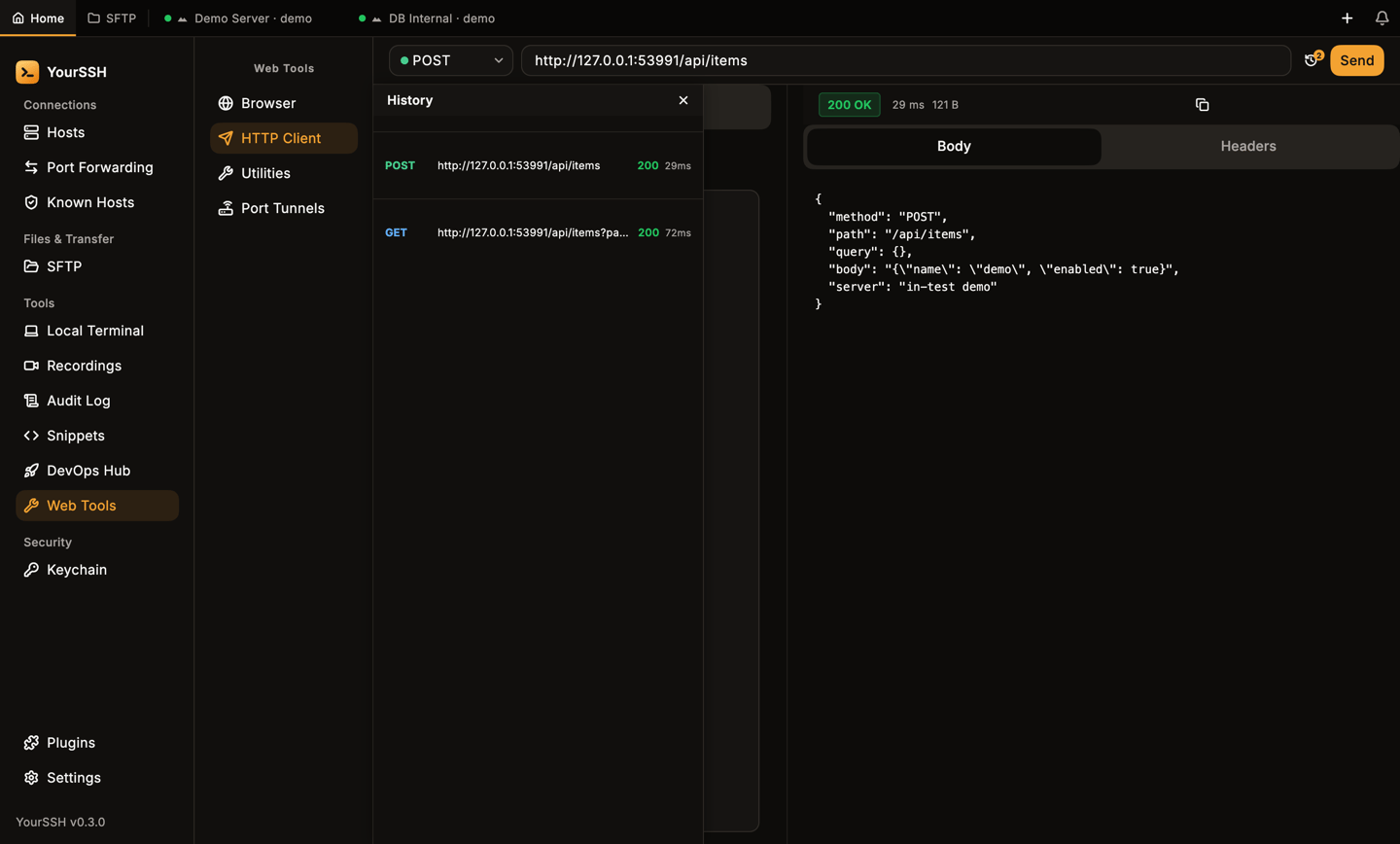
The History panel.
Auth values and headers you type may contain secrets. They stay on your computer and are sent only to the URL you request.
Utilities
Utilities has four text tools. Type in INPUT, click a button and read OUTPUT (HASH OUTPUT on the Hash tool). The copy button copies the result.
Bad input shows an error such as Invalid JSON or Invalid Base64.
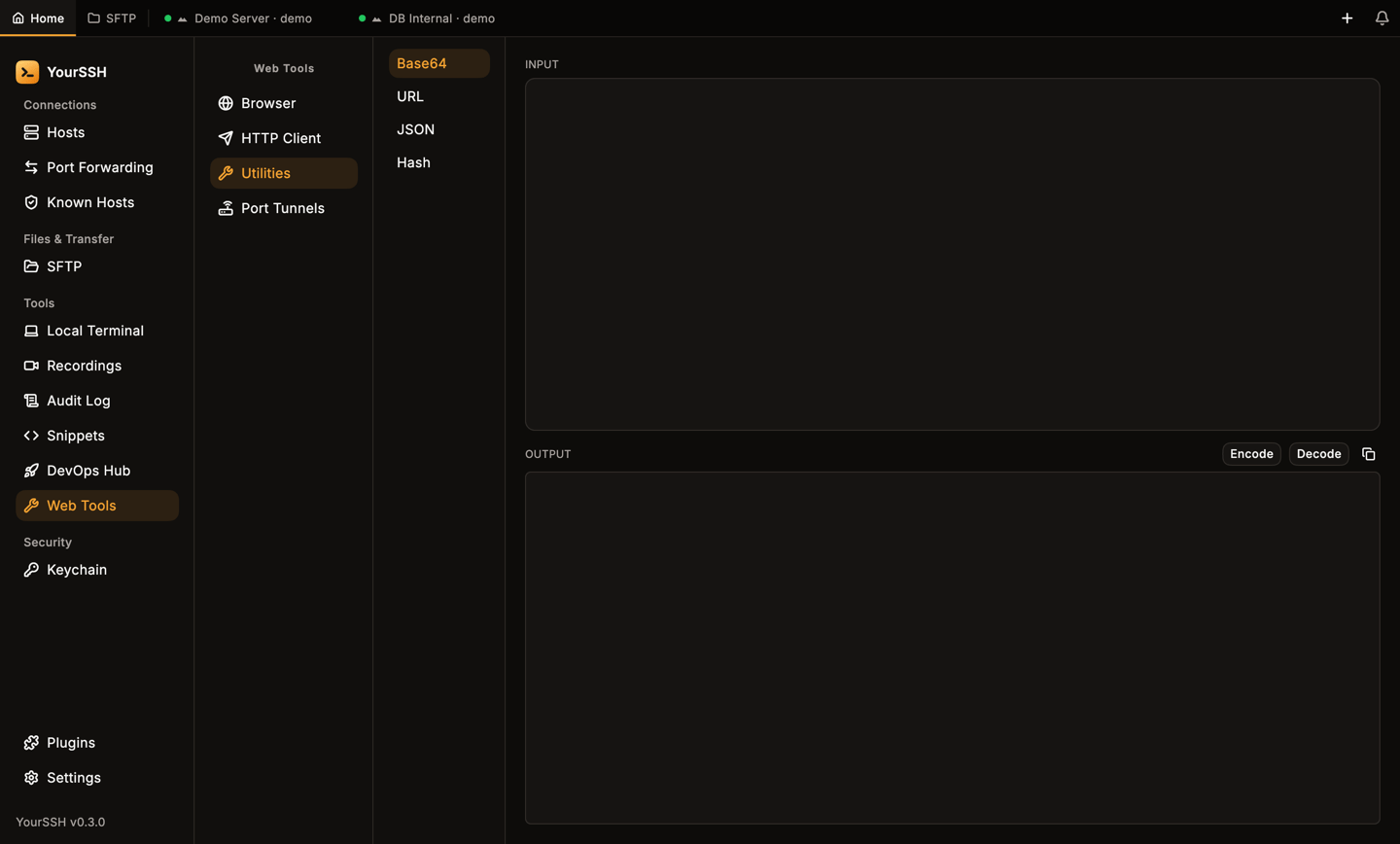
Utilities. The tool list is on the left, input at the top and output below.
Port tunnels and the browser
Port Tunnels (the list is titled Active Local Tunnels) shows your active local port forwards ashttp://127.0.0.1:<port> addresses. Click Open to load one in Browser, or the copy button to copy the address. This is a quick way to reach a web UI on a remote host. Set up the forward first in Port forwarding.
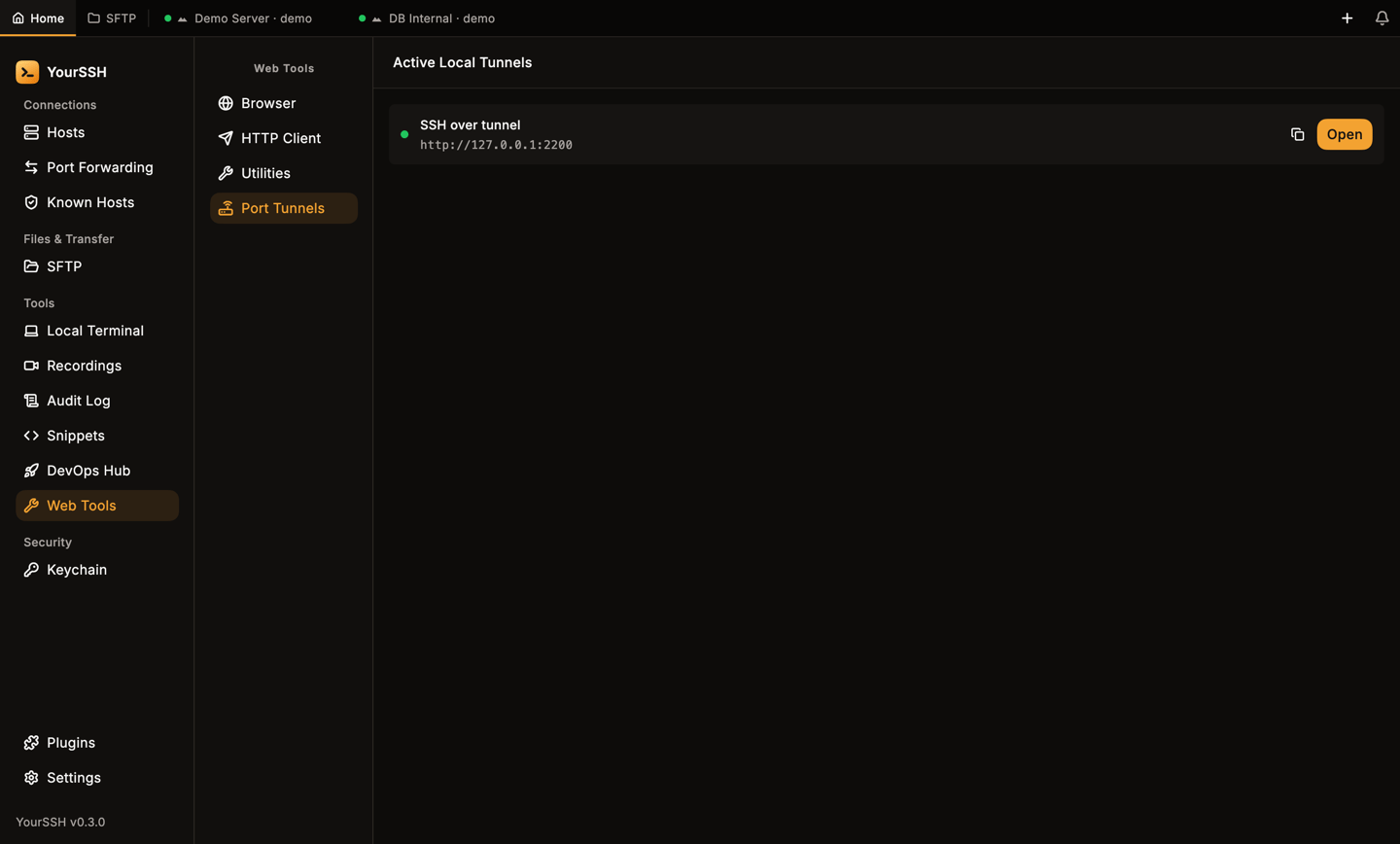
Active local tunnels. Open loads the address in the Browser tool.
https://www.google.com. It only loads http and https pages. Type a bare domain such as example.com and it adds https://. Any other text, including file: or javascript: addresses, becomes a Google search instead.
Related pages
Port forwarding
Create the tunnels that Web Tools can open.
DevOps Hub
Network tools, containers and more.